
How it works
1
Start the party
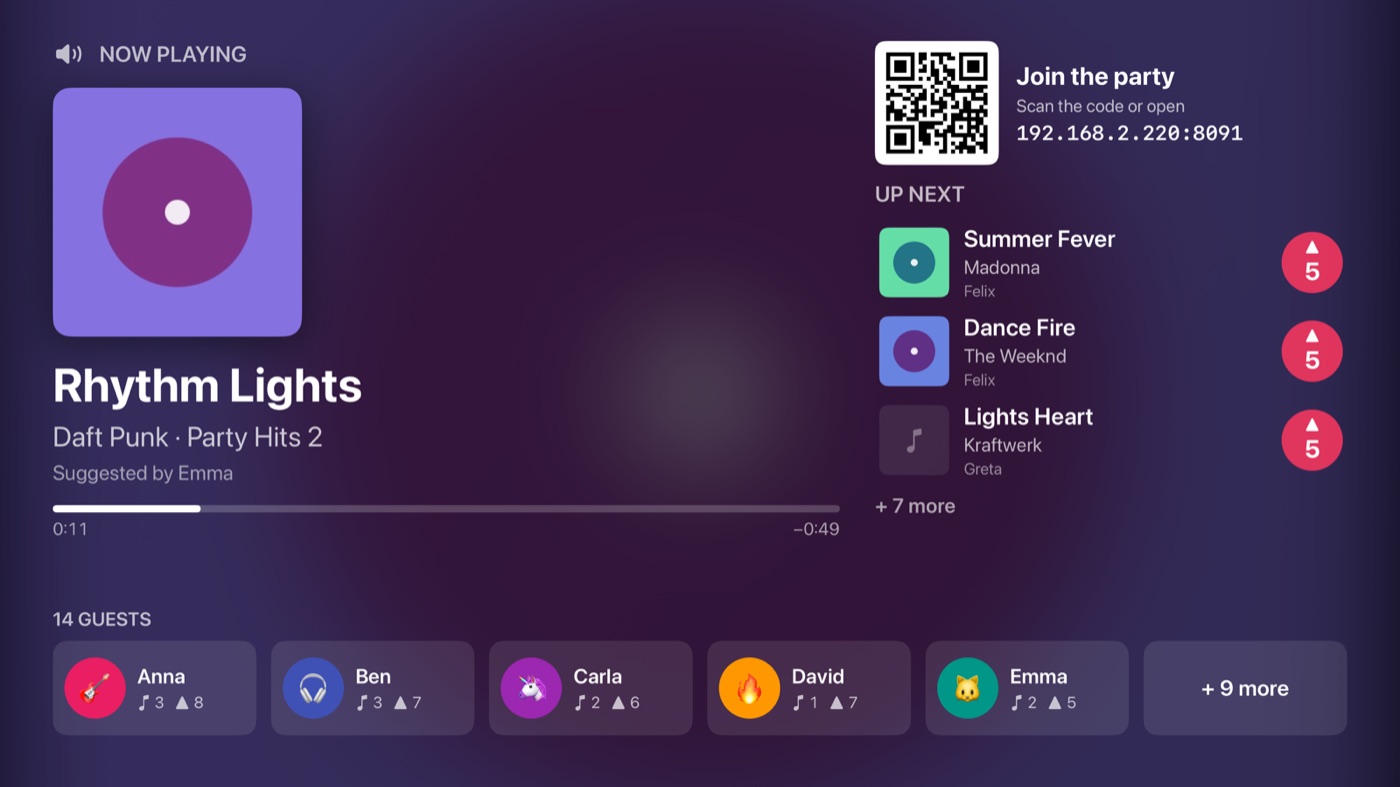
Open MusicRemote Host on your Mac or Apple TV. It plays your music library and Apple Music — or Spotify.
2
Guests join
They scan the code on the screen or open the app; it finds the party on the Wi-Fi by itself. No account, no sign-up.
3
Suggest & vote
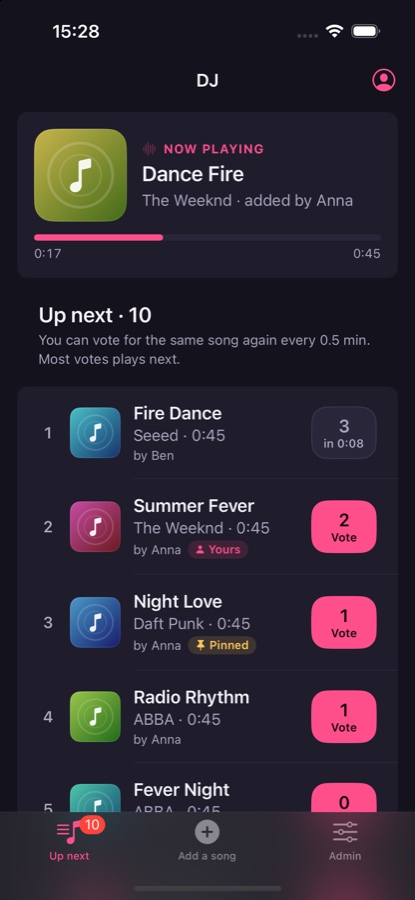
Everyone adds songs and votes. The most wanted plays next — and when the list runs empty, the radio or the AI DJ keeps it going.
The apps
Mac
MusicRemote Host
- Plays your Music library, Apple Music and Spotify
- Full-screen party screen for a TV or projector
- Lives in the menu bar while the party runs
Apple TV
MusicRemote Host
- The whole party on the TV: now playing, the list, the guests
- Apple Music library and catalogue, Spotify set up from a phone
- Several Apple TVs? Each one is its own party
iPhone & iPad
MusicRemote
- Finds the party on the Wi-Fi by itself
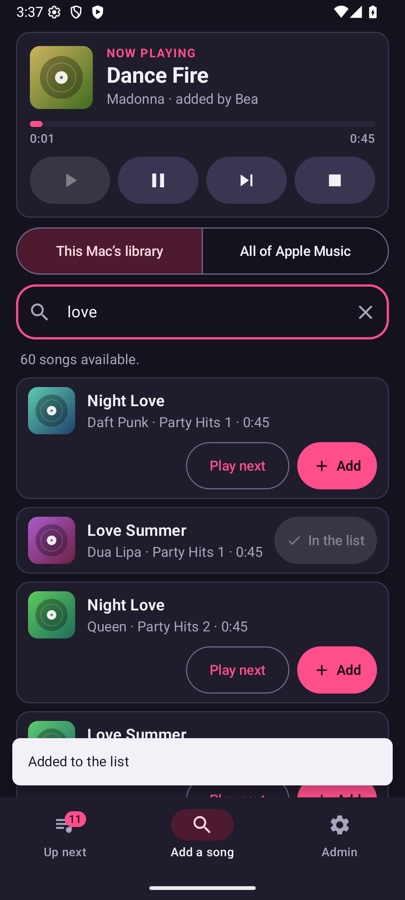
- Search, suggest, vote — with your name and picture
- Admin mode with the party’s PIN
Android
MusicRemote
- The same remote for Android phones and tablets
- Light and dark, large text, screen readers
- Admin mode with the party’s PIN
No app at hand? Every party also works in the browser: open the address shown on the Mac or TV.
What’s in it
- Fair voting — once per song or again after a while, waiting times, a limit per guest
- Your music — the Music library, all of Apple Music, or Spotify (Premium)
- Never silent — a playlist, a radio of songs that fit, or an AI DJ when the list is empty
- Party screen — big now-playing view, the list and the most active guests
- Admin controls — play, skip, reorder, pin, playlists and rules, unlocked with a PIN
- Smooth transitions — optional fade into the next song (Mac)
- Private — runs in your own network; guests need no account
- Who’s here — names and pictures of everyone at the party